
Real-Time Inventory Management
Zero Guesswork. Zero Stockouts.
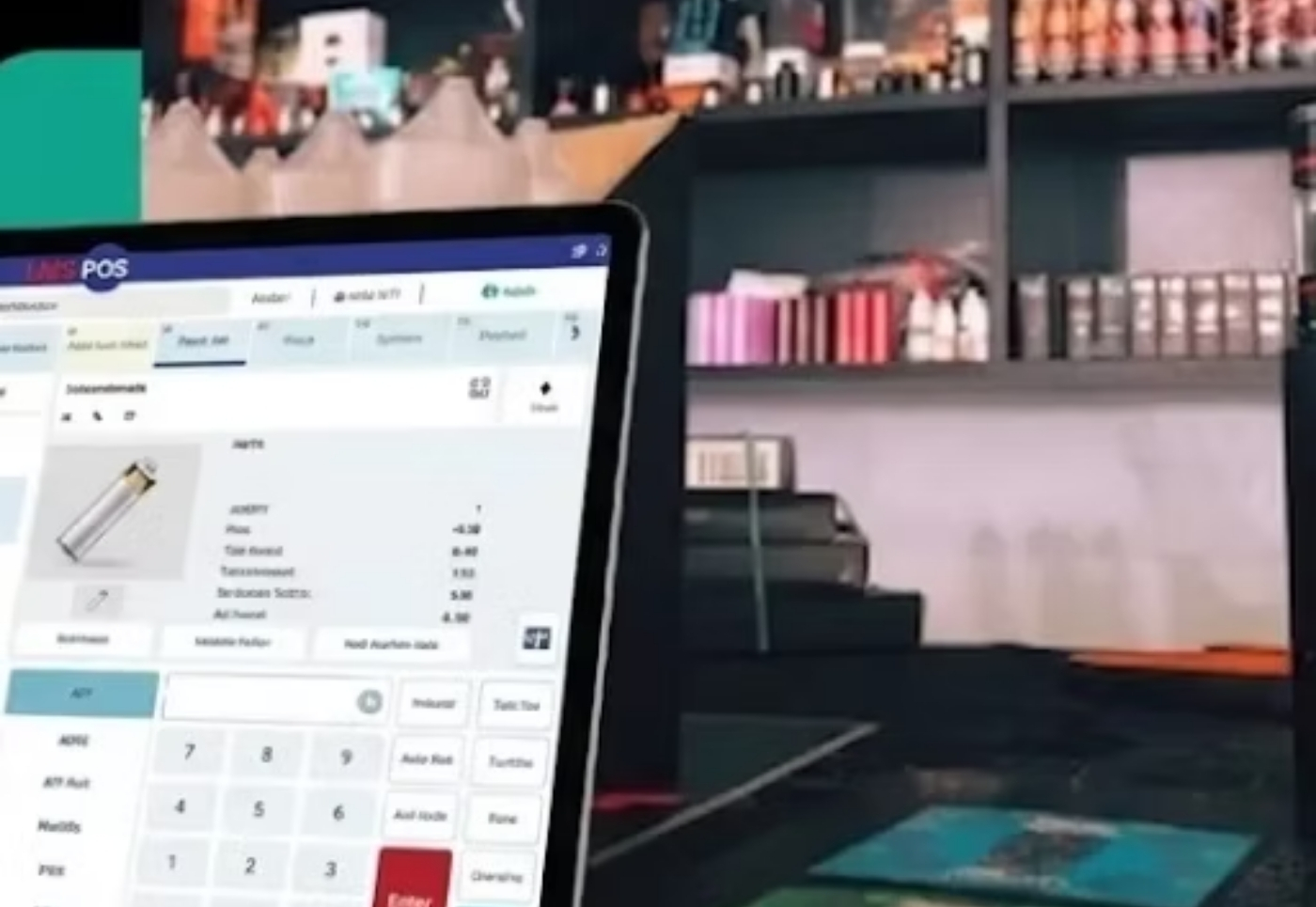
LMS POS is built exclusively for liquor stores using 20+ years of POS experience, real retailer feedback, and ongoing market research. It includes powerful features, regulatory compliance, and continuous updates to help liquor stores grow and succeed.

Real-Time Inventory Management
Zero Guesswork. Zero Stockouts.
Every sale updates your stock instantly. Every location stays in sync. LMS POS gives you a live, accurate picture of what you have, so you never lose a sale because you ran out, and never tie up cash in stock you don’t need.
Trusted by Retail Businesses Across the U.S.




Trusted by Retail Businesses Across the U.S.
What Is POS Inventory Management and Why Does It Matter?
Manual stock counts are expensive. Not just in hours spent, but in the errors they hide. A miscount in the morning can mean an oversold item by afternoon and a frustrated customer by evening. POS inventory management connects your sales directly to your stock.
The moment a product is sold, scanned, or returned, the system updates your inventory in real time, no clipboard, no spreadsheet, no lag. You always know what you have, where it is, and when you need more.
For liquor stores, grocery shops, and multi-location retail businesses, this kind of live accuracy isn’t a luxury. It’s the foundation of running a profitable, well-organized operation.
- Eliminates discrepancies between sales data and physical stock
- Flags slow-moving products before they become dead stock
- Tracks COGS and margins on every product, automatically
- Keeps all channels, in-store, mobile, and online, in sync
- Reduces shrinkage by creating a clear, auditable stock trail
- Saves hours of manual counting every week
What Is POS Inventory Management and Why Does It Matter?
Manual stock counts are expensive. Not just in hours spent, but in the errors they hide. A miscount in the morning can mean an oversold item by afternoon and a frustrated customer by evening. POS inventory management connects your sales directly to your stock.
The moment a product is sold, scanned, or returned, the system updates your inventory in real time, no clipboard, no spreadsheet, no lag. You always know what you have, where it is, and when you need more.
For liquor stores, grocery shops, and multi-location retail businesses, this kind of live accuracy isn’t a luxury. It’s the foundation of running a profitable, well-organized operation.
Key Features
- Eliminates discrepancies between sales data and physical stock
- Flags slow-moving products before they become dead stock
- Tracks COGS and margins on every product, automatically
- Keeps all channels, in-store, mobile, and online, in sync
- Reduces shrinkage by creating a clear, auditable stock trail
- Saves hours of manual counting every week
Everything You Need to Manage Stock Without the Stress
Real-Time Inventory Tracking
Stock updates the instant a transaction happens, sale, return, or adjustment. No delays, no manual sync required.
- Live stock levels across every SKU, updated at checkout
- Accurate data accessible on any device, at any time
- Prevents overselling before it happens
- Works across all transaction types: sales, refunds, adjustments
Smart Low-Stock Alerts & Reorder Notifications
Set custom reorder thresholds per item. Get notified before you run out, not after a sale falls through.
- Customizable low-stock limits per product and per location
- Automated email/alert notifications to the right people
- Avoid lost sales from stockouts entirely
- Stay proactive instead of scrambling to catch up
Multi-Store Inventory Sync
Manage every location from one dashboard. Stock levels update across all stores the moment a sale happens anywhere.
- Centralized dashboard for all store locations
- Transfer stock between stores easily, without paperwork
- Location-level performance and stock reports
- One system, total visibility, complete control
Automated Purchase Orders & Restocking
When stock hits your reorder point, LMS POS can generate purchase orders automatically, or alert your team to act immediately.
- Auto-generate POs at defined reorder thresholds
- Manage and track vendors and suppliers in one place
- Reduce overstock and unnecessary carrying costs
- Simplify the entire restocking workflow end-to-end
Inventory Reports & Business Insights
When stock hits your reorder point, LMS POS can generate purchase orders automatically, or alert your team to act immediately.
- Auto-generate POs at defined reorder thresholds
- Manage and track vendors and suppliers in one place
- Reduce overstock and unnecessary carrying costs
- Simplify the entire restocking workflow end-to-end
Barcode Scanning & Label Management
Scan to sell, scan to receive, scan to count. Barcode support speeds up every part of your inventory workflow.
- Scan products instantly at checkout, no manual entry
- Create and print barcode labels directly in the system
- Receive new stock by scanning, not typing
- Reduce data entry errors at every stage of the workflow
Everything You Need to Manage Stock Without the Stress
Real-Time Inventory Tracking
Stock updates the instant a transaction happens, sale, return, or adjustment. No delays, no manual sync required.
- Live stock levels across every SKU, updated at checkout
- Accurate data accessible on any device, at any time
- Prevents overselling before it happens
- Works across all transaction types: sales, refunds, adjustments
Smart Low-Stock Alerts & Reorder Notifications
Set custom reorder thresholds per item. Get notified before you run out, not after a sale falls through.
- Customizable low-stock limits per product and per location
- Automated email/alert notifications to the right people
- Avoid lost sales from stockouts entirely
- Stay proactive instead of scrambling to catch up
Multi-Store Inventory Sync
Manage every location from one dashboard. Stock levels update across all stores the moment a sale happens anywhere.
- Centralized dashboard for all store locations
- Transfer stock between stores easily, without paperwork
- Location-level performance and stock reports
- One system, total visibility, complete control
Automated Purchase Orders & Restocking
When stock hits your reorder point, LMS POS can generate purchase orders automatically, or alert your team to act immediately.
- Auto-generate POs at defined reorder thresholds
- Manage and track vendors and suppliers in one place
- Reduce overstock and unnecessary carrying costs
- Simplify the entire restocking workflow end-to-end
Inventory Reports & Business Insights
When stock hits your reorder point, LMS POS can generate purchase orders automatically, or alert your team to act immediately.
- Auto-generate POs at defined reorder thresholds
- Manage and track vendors and suppliers in one place
- Reduce overstock and unnecessary carrying costs
- Simplify the entire restocking workflow end-to-end
Barcode Scanning & Label Management
Scan to sell, scan to receive, scan to count. Barcode support speeds up every part of your inventory workflow.
- Scan products instantly at checkout, no manual entry
- Create and print barcode labels directly in the system
- Receive new stock by scanning, not typing
- Reduce data entry errors at every stage of the workflow
Your Stock Should Update Itself. With LMS POS, It Does.
Every scan at the register triggers an immediate inventory update, not a batch job overnight, not a sync that runs every hour. Right now, the moment it happens.
This matters most in high-volume environments. A busy liquor store or grocery shop can ring up dozens of transactions in a short window. With LMS POS, every single one of those sales adjusts your stock count in real time, so when a customer asks if you carry something, your answer is always accurate.
You can check stock from the POS terminal, the LMS mobile app, or your back-office dashboard, all showing the same live data, always.
- Stock updates on every sale, refund, and manual adjustment
- No batch delays, changes reflected the moment they happen
- Accessible from POS terminal, phone, or desktop simultaneously
- Eliminates the guesswork of end-of-day inventory counts

Your Stock Should Update Itself. With LMS POS, It Does.
Every scan at the register triggers an immediate inventory update, not a batch job overnight, not a sync that runs every hour. Right now, the moment it happens.
This matters most in high-volume environments. A busy liquor store or grocery shop can ring up dozens of transactions in a short window. With LMS POS, every single one of those sales adjusts your stock count in real time, so when a customer asks if you carry something, your answer is always accurate.
You can check stock from the POS terminal, the LMS mobile app, or your back-office dashboard, all showing the same live data, always.
- Stock updates on every sale, refund, and manual adjustment
- No batch delays, changes reflected the moment they happen
- Accessible from POS terminal, phone, or desktop simultaneously
- Eliminates the guesswork of end-of-day inventory counts

Manual Counting vs. LMS POS Inventory Management
Manual Counting vs. LMS POS Inventory Management
Frequently Asked Questions
Have another question? Please contact our team!
What is a liquor store point of sale system and why do I need one?
When choosing a liquor store point of sale system, look for features that are tailored to the specific needs of your business. This may include inventory management, age verification, mobile compatibility, and reporting capabilities. It should also be user-friendly, customizable, and secure. That is why we have developed LMS POS for Liquor Store owners like you.
What features should I look for in a liquor store point of sale system?
LMS-POS is a point-of-sale system designed specifically for liquor stores, grocery stores, convenience stores, smoke shops, vape shops, and other retail businesses across the United States. It includes built-in tools for inventory management, lottery tracking, age verification, credit card processing, and mobile inventory updates.
Can I import my existing inventory data into LMS POS system?
Yes, most liquor store point of sale systems allow you to import your existing inventory data from your previous POS system, making it easier to transition to a new system.
How can a liquor store point of sale system help me improve my business?
A liquor store point of sale system can help you improve your business by providing you with real-time insights into your store’s performance, allowing you to make informed decisions. It also helps you manage your inventory more efficiently, reduce waste, and track customer data to better understand their purchasing behaviors.
Is it secure to use a liquor store point of sale system?
Yes, most liquor store point of sale systems are equipped with robust security features to protect your data and prevent unauthorized access. Look for a system that includes features such as secure payment processing, ID scanning, and data encryption to ensure that your business is protected.
Frequently Asked Questions
Have another question? Please contact our team!
What is a liquor store point of sale system and why do I need one?
When choosing a liquor store point of sale system, look for features that are tailored to the specific needs of your business. This may include inventory management, age verification, mobile compatibility, and reporting capabilities. It should also be user-friendly, customizable, and secure. That is why we have developed LMS POS for Liquor Store owners like you.
What features should I look for in a liquor store point of sale system?
LMS-POS is a point-of-sale system designed specifically for liquor stores, grocery stores, convenience stores, smoke shops, vape shops, and other retail businesses across the United States. It includes built-in tools for inventory management, lottery tracking, age verification, credit card processing, and mobile inventory updates.
Can I import my existing inventory data into LMS POS system?
Yes, most liquor store point of sale systems allow you to import your existing inventory data from your previous POS system, making it easier to transition to a new system.
How can a liquor store point of sale system help me improve my business?
A liquor store point of sale system can help you improve your business by providing you with real-time insights into your store’s performance, allowing you to make informed decisions. It also helps you manage your inventory more efficiently, reduce waste, and track customer data to better understand their purchasing behaviors.
Is it secure to use a liquor store point of sale system?
Yes, most liquor store point of sale systems are equipped with robust security features to protect your data and prevent unauthorized access. Look for a system that includes features such as secure payment processing, ID scanning, and data encryption to ensure that your business is protected.